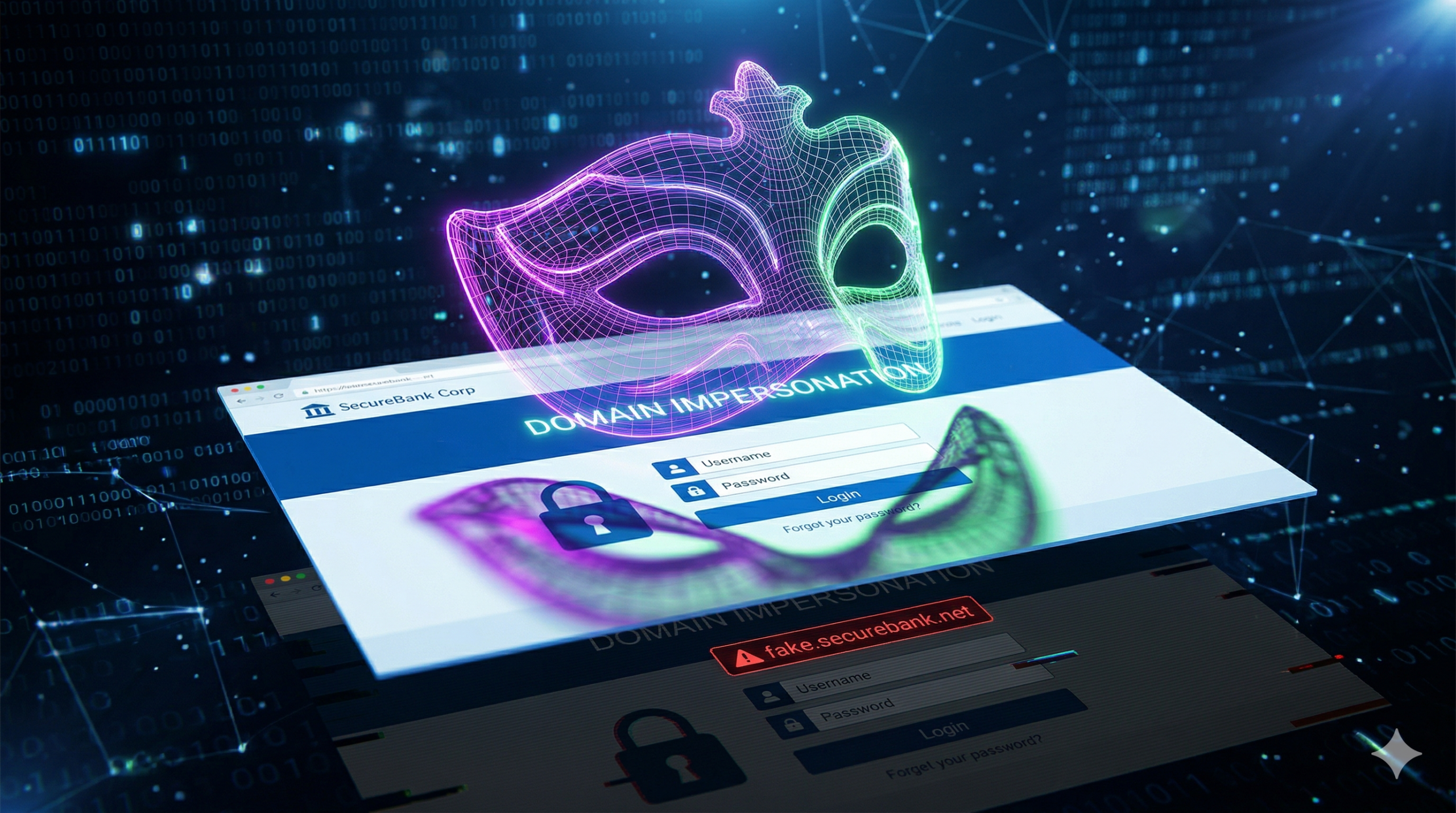
Domain Impersonation & Brand Protection
Is Someone Impersonating My Website? How to Find Fake Domains Targeting Your Brand
A practical guide to detecting typosquatting, domain spoofing, and brand impersonation — plus exactly what to do when you find a fake site.
Imagine a customer reaching out, frustrated that they never received an order they placed last week. They send you a screenshot of their receipt. The logo is yours. The website design is yours. But when you look closely at the web address, it is off by just one single letter.
That is domain impersonation. And if you are searching for how to find domains impersonating your business, you are already ahead of most business owners — the majority never find out until a customer complains.
Here is exactly how these fake domains work, how to hunt them down using free tools right now, and how to stop them before they cost you customers and credibility.
How Cybercriminals Copy Your Web Address
Attackers rely on the fact that most people browse quickly and rarely double-check the full URL. To create a convincing fake, they use several proven techniques:
- Typosquatting — Registering common misspellings of your brand. If your website is coffeeroasters.com, they register coffeeroastrs.com or cofeeroasters.com. One transposed or dropped letter is all it takes.
- Different TLDs — If you own the .com, they register the .co, .net, .biz, .io, or .shop version. Customers who type your name directly into the address bar may never notice the difference.
- Combo squatting — Attaching trustworthy words to your brand: login-yourbrand.com, yourbrand-support.com, secure-yourbrand.com. These look especially convincing in phishing emails.
- Homoglyph attacks — Replacing letters with visually identical characters. A lowercase “l” and an uppercase “I” are indistinguishable in most fonts. The letters “rn” next to each other look exactly like “m.” Unicode characters from Cyrillic or Greek alphabets can be pixel-perfect copies of Latin letters — the resulting domain looks identical to yours until you zoom in.
- Subdomain tricks — Using your brand name as a subdomain of a different domain: yourbrand.attackersite.com. Casual readers see your brand name first and miss the actual domain entirely.
Once they own the address, they paste your entire website design onto it. Customers have no reason to suspect anything is wrong.
How to Find Domains Impersonating You: 5 Methods You Can Use Right Now
These are free tools and techniques that catch different types of fake domains. Use all of them for the most complete picture.
1. Google Advanced Search Operators
Ask Google to surface every page on the web that uses your brand name in the title, while filtering out your real website:
intitle:"Your Brand Name" -site:yourwebsite.com
For more targeted results, add terms scammers commonly use on fake pages:
"Your Brand Name" (login OR verify OR support OR password) -site:yourwebsite.com
2. Certificate Transparency Logs
Every SSL certificate issued for a domain is logged in a public database. Since virtually all phishing sites now use HTTPS to appear trustworthy, searching these logs is one of the fastest ways to find newly registered fake domains before they are even live.
Go to crt.sh and search for your brand name with wildcard characters on both sides:
https://crt.sh/?q=%25yourbrand%25
3. WHOIS and Domain Registration Databases
Every registered domain is logged in a public WHOIS database. Visit lookup.icann.org and search for variations of your brand name — misspellings, your brand plus “login” or “support,” and versions with common TLD swaps.
Pay close attention to the creation date. A domain registered in the past 30–60 days with a privacy-masked registrant is a red flag — especially if the timing coincides with a recent product launch or marketing campaign.
4. Monitor Customer Support and Social Media
Your customers frequently find fake domains before you do. The patterns to watch for in support tickets, reviews, and social media mentions:
- “I can’t log in to my account” — but you have no record of their email
- “My credit card was charged, but I have no order confirmation” — a payment went to a fake checkout
- “Your website looks different today” — they are describing a clone
- Complaints on Reddit, X, or Trustpilot describing experiences your team has no record of
If a customer describes an interaction your team cannot trace, ask them to paste the exact URL they visited. That URL is your evidence.
5. Reverse Image Search Your Logo
Scammers copy your full website design, which means they are hosting your logo on their server. Upload your logo to Google Images or TinEye. Any result that is not your website, an authorized partner, or press coverage is worth investigating immediately.
This is particularly effective at catching high-effort clones — where the attacker made the domain look plausible but lifted your visual identity directly.
When You Find a Fake Domain
Act quickly — the sooner you report it, the less damage it can do:
- Screenshot everything — the fake site, the WHOIS record, and any phishing emails you have received
- File an abuse report with the domain registrar (found via WHOIS lookup)
- Submit to Google Safe Browsing — Chrome, Firefox, and Safari will warn users before they can reach the site
- File a UDRP complaint through ICANN if the domain contains your trademark — typically resolved in 45–60 days without going to court
- Warn your customers — a direct email or banner on your real site builds trust and limits harm
The Problem With Doing It Yourself
The methods above work — but they share one critical flaw: they are completely reactive. By the time you find a fake domain through a Google search, it may have been live for days or weeks. Your customers have already been exposed.
Consider the scale. Over 200,000 new domains are registered every single day. A determined attacker can register dozens of variations of your brand name within an hour. Manually checking every possible misspelling, TLD combination, and lookalike character variant is not just impractical — it is impossible to do thoroughly. According to the Fortra Domain Impersonation Report, the average brand is targeted by 39.4 look-alike domains every single month.
You have a business to run. You cannot spend hours a day refreshing domain databases while attackers automate the entire process on their end.
The Smart Way: Automated Domain Monitoring
The most effective way to find domains impersonating your business is to let software do the heavy lifting — continuously, automatically, before the damage is done.
This is exactly what Spoof Checker is built for. It monitors newly registered domain databases globally, running dozens of fuzzing algorithms against your brand name around the clock — covering typosquatting, homoglyphs, TLD variations, combo squatting, and more across 1,500+ extensions. The moment a lookalike domain is registered anywhere in the world, you receive an alert with full WHOIS details before your customers ever encounter it.
Spoof Checker also monitors existing lookalike domains for content changes — catching the moment a parked domain goes live as an active phishing site. And when you need to act, it handles abuse report filing on your behalf so threats get taken down faster.
Finding fake domains shouldn’t require an IT degree or hours of manual searching each week. By knowing the moment a copycat site is registered, you can get it taken down before a single customer is scammed — protecting the reputation and trust you have worked to build.
Stop Scammers Before They Start
Find out who is impersonating your website — in minutes
Add your domain and Spoof Checker begins scanning immediately. Get a full report of existing lookalike domains and receive alerts within 24 hours of any new registrations worldwide.
Start Monitoring Now